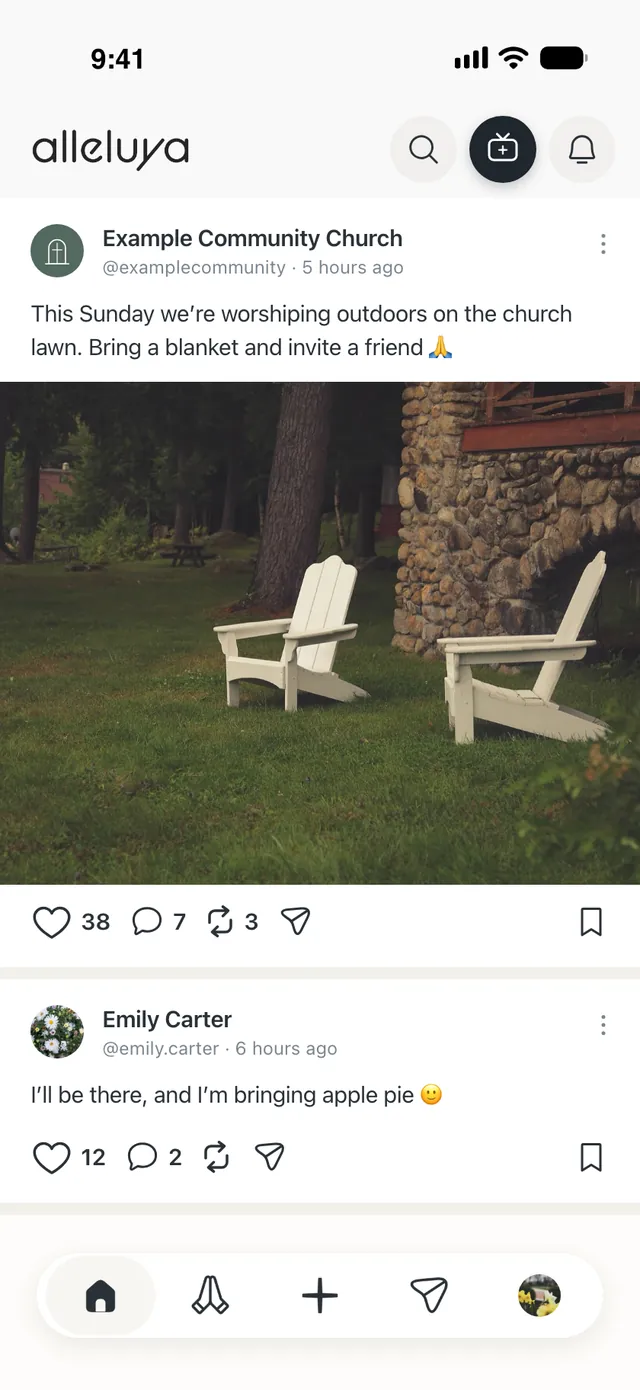
Our phones pull us away from everything—from the people we love, even from God. Alleluya is the Christian social network where believers live out their faith together.
On Alleluya, believers pray for one another, encourage each other, and stay connected—on iPhone, on Android, or on a computer.
Free for everyone.
No ads from other companies.
No inappropriate content: just faith and real relationships.
Not tied to any denomination: every church stays independent.
What you get
1
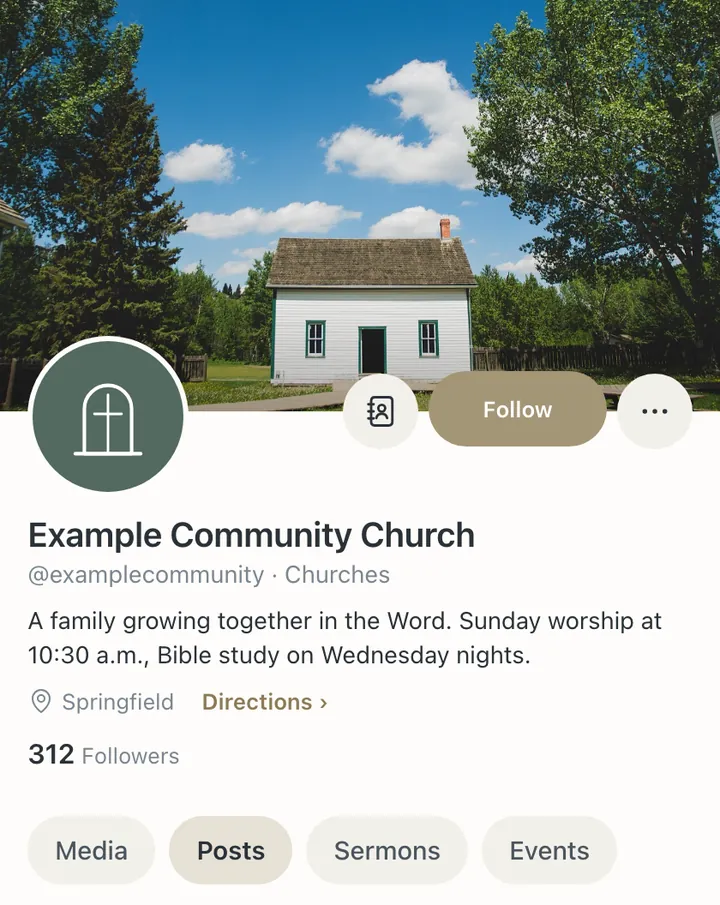
Your church’s Page
Your name, photo, cover, posts, sermons, and events, together in one place. Everyone who follows you sees what you post in their Home. Your Page is also visible on the web, and you can share it with a link. If there’s already a Page for your church, you can claim it and make it yours—or, if you’d rather, we’ll take it down right away.
2
Live prayer and live sermons
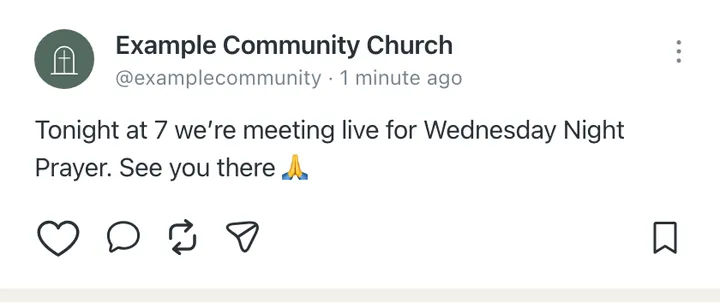
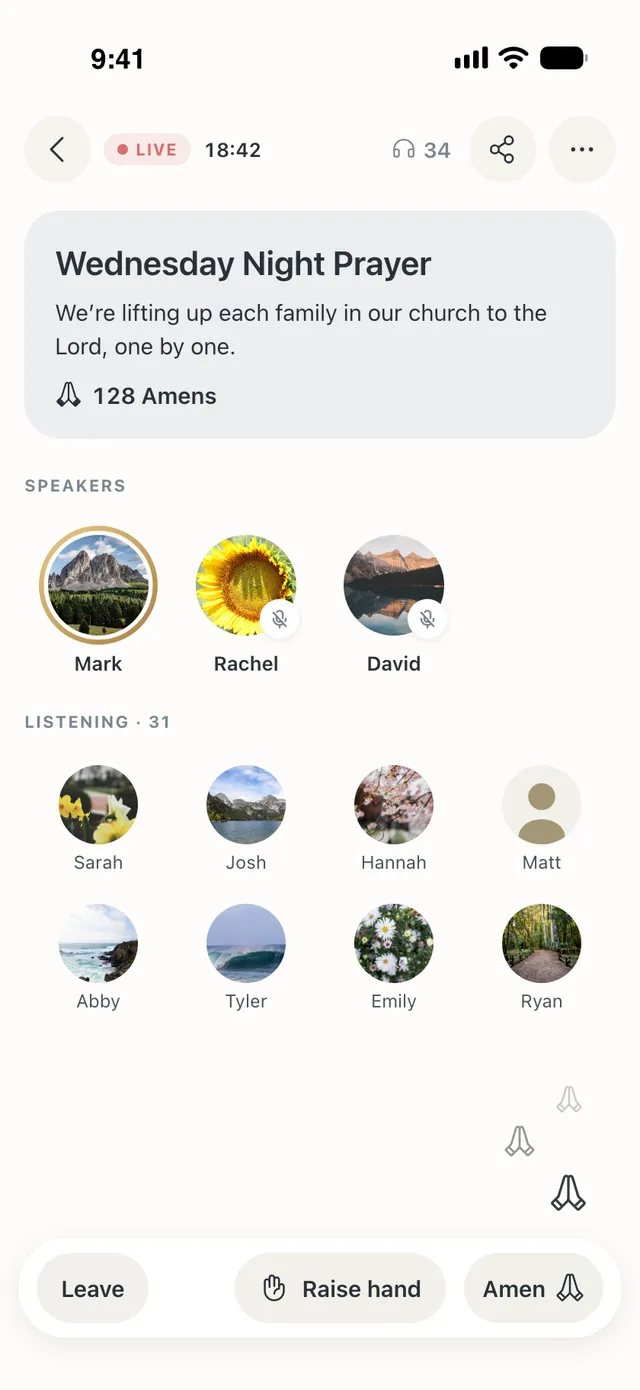
Right from your phone, start a Prayer live or a Live sermon. Everyone listening prays with you and says “Amen.” You can schedule it up to 30 days in advance. Your followers see it coming up, and if they tap “Remind me,” they get a notification when it starts.
3
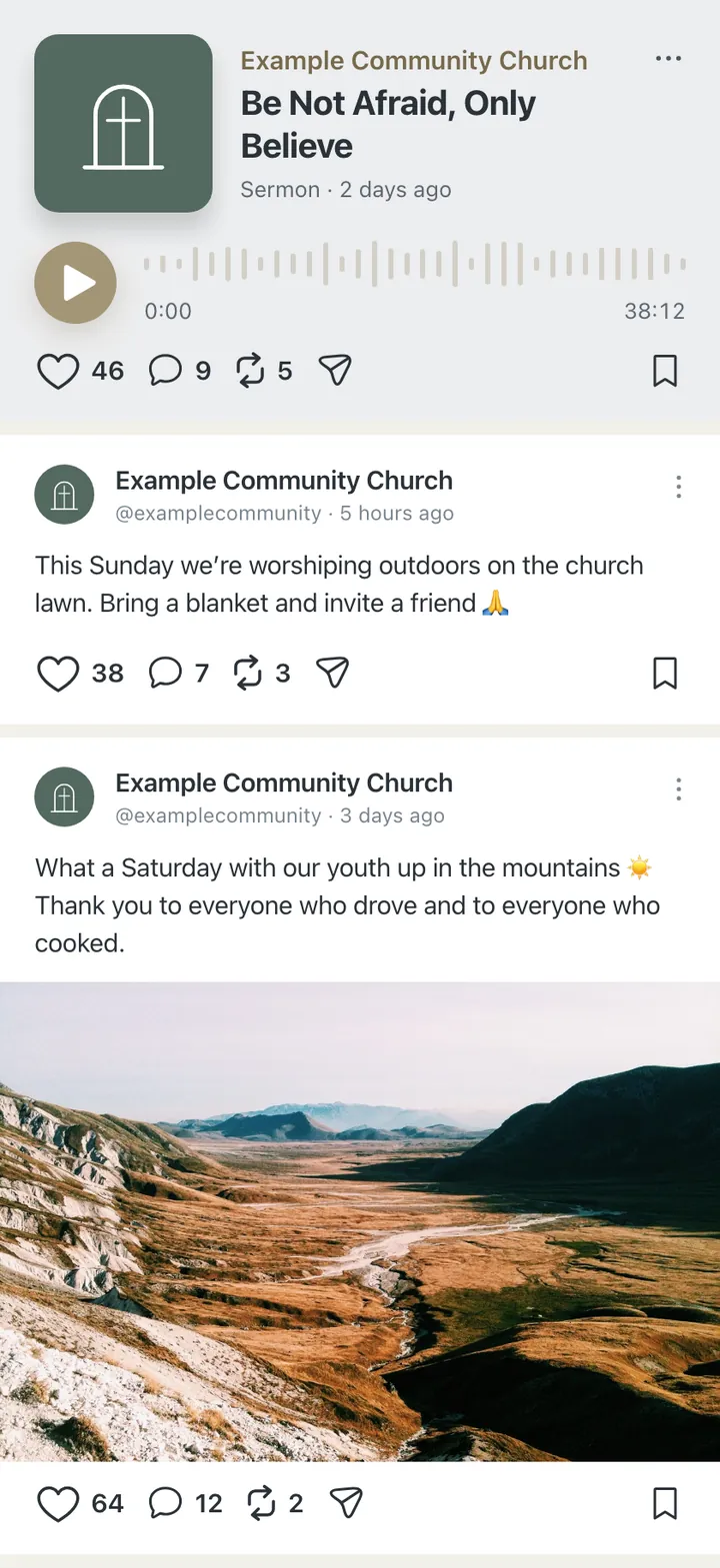
Sermons to listen to anytime
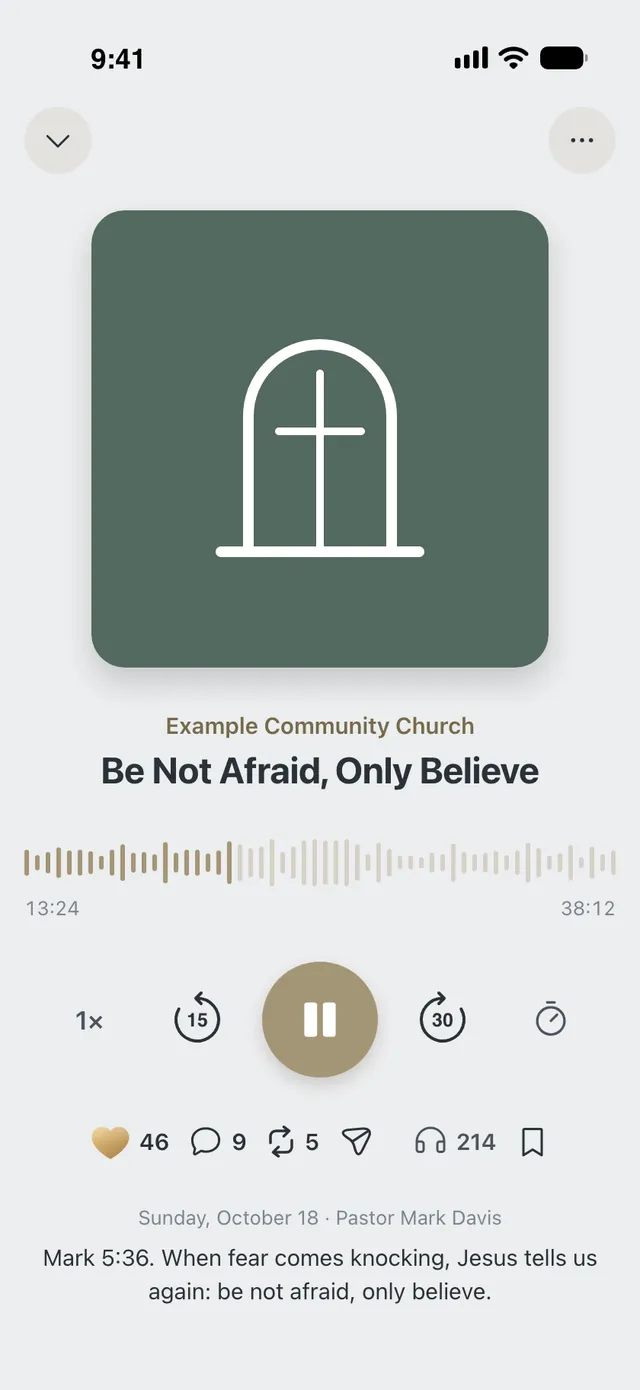
Upload the audio of your Sunday sermon. It stays in the Sermons section, where people can listen whenever they want—even with their phone in their pocket and the screen off.
4
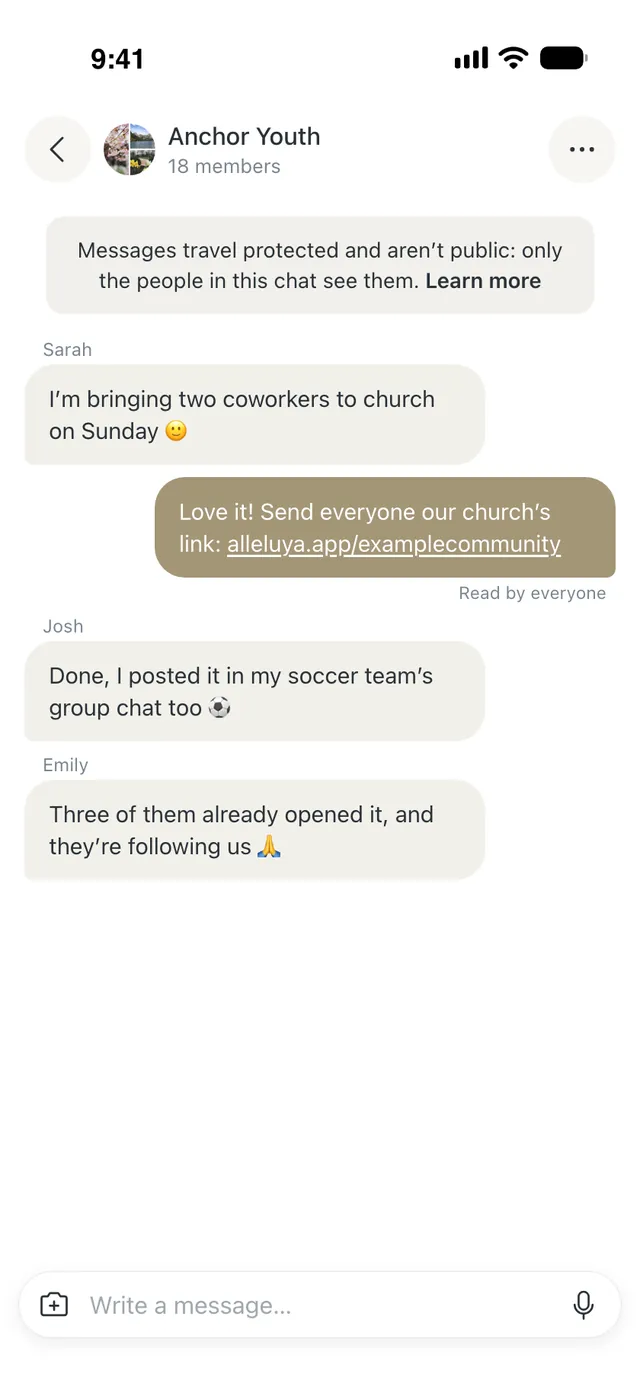
Groups and chats for your church community
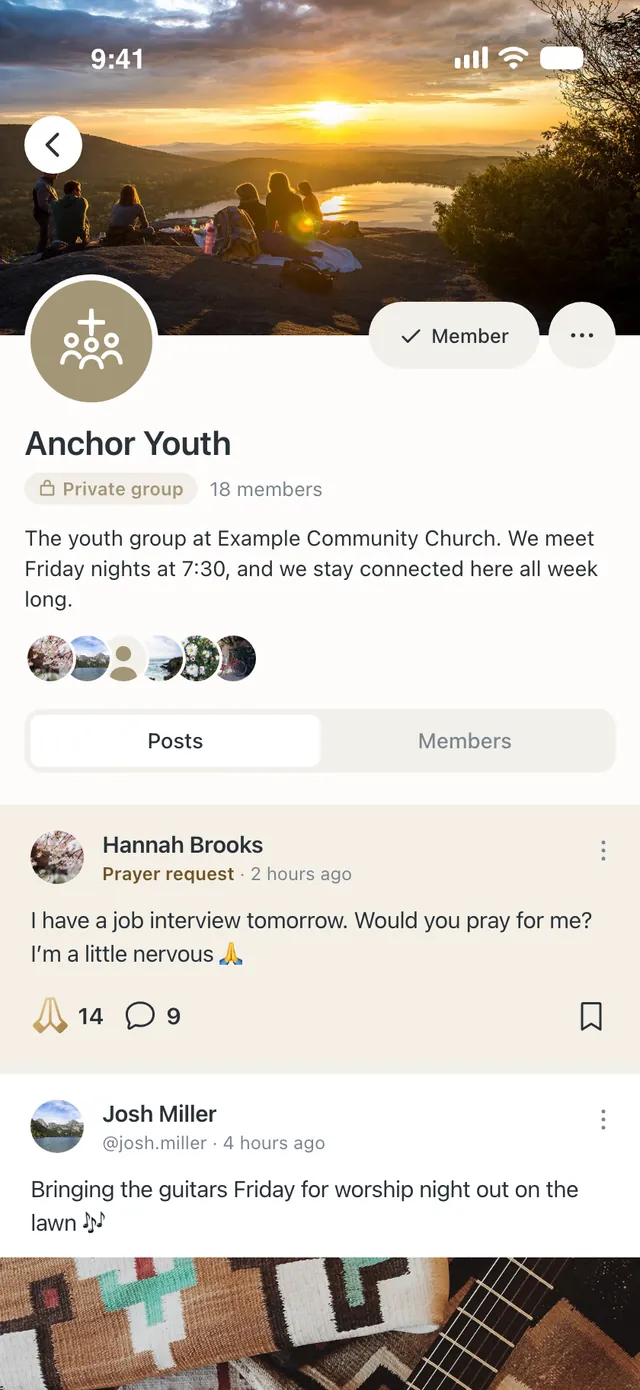
A Group for your youth, one for your women’s ministry, one for prayer, plus group chats in Messages: the life of your church in one place.
5
Events
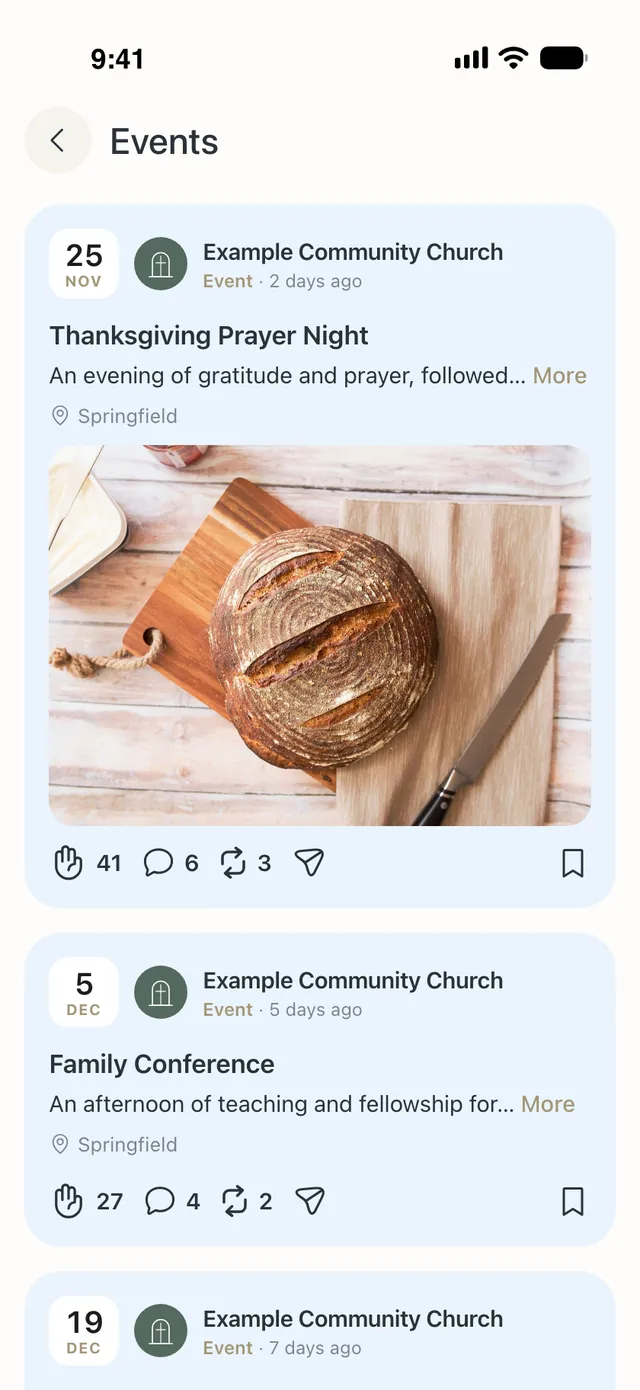
Special services, conferences, concerts—you post them, and people find them in Events.
6
Your link
Your Page has its own link to share at your services, in your groups, and on your channels. Anyone who opens it finds your church right away.
How to get started
1
Fill out the form below: one step sets up both your account and your church’s Page.
2
Confirm your email with the code we send you.
3
Open the app and you’ll find your Page ready to go. Schedule your first live prayer and share the link with your church.
Frequently asked questions
How much will this cost my church?
Nothing. The features for churches are free.
I’m not very tech-savvy. Will I be able to use it?
Yes. Alleluya works just like a messaging app. Your church members only need your Page’s link to find you.
Can I use it alongside YouTube and Facebook?
Yes, keep them. Alleluya is for the rest of the week: live prayer, Groups, and prayer with your brothers and sisters, without distractions.
Why is my account personal when the Page belongs to my church?
Your church’s name goes on the Page, which you manage. Your account stays in your own name, like everyone else’s.
My church already has a Page. How do I claim it?
Enter your church’s name in the form. If your email address uses the same domain as your church’s website, the Page becomes yours right away. Otherwise, the Alleluya team will verify it and hand it over to you.
What happens to my church members’ data?
We don’t sell it, and we don’t share it with anyone else for their own purposes. We only use the technical service providers listed in our privacy policy (alleluya.app/privacy/en).
Who’s behind Alleluya?
Alleluya is an Italian project that grew out of a Christian publishing house (Alise Editore, Eternity Libri). It’s run by the Alleluya team.
Create your church’s Page
One form creates your account and your church’s Page, with you as the admin